


Migrate ETL from DataStage - automatically!
Explore the hidden complexity of IBM DataStage migrations and discover how automated ETL conversion can significantly reduce development effort, accelerate modernization projects, and help teams migrate thousands of integration jobs to new platforms faster and with less risk.


Migrate ETL from IBM DataStage Automatically
Many companies are in the process of changing integration technology for all sorts of reasons. One frequent case is migration from IBM DataStage, very widespread platform from a blue-chip vendor.
Imagine that you are developer at such a project. Or even worse, technical lead.
Company has hundreds if not 4-digit number of integration routines. Developing all of them from scratch in the new technology could potentially last years with the team you have. Obviously, some sort of automation and refactoring will need to be one.
You find a simple, typical DataStage job and start studying it. Since you are still deciding about the target technology, you decide to document it in a simple Excel format. One sheet will be select section – the destination table columns and all the transformations needed to get them. Another will be “from section” – all the source tables and joins. The third will contain where section and all the other parameters for that integration routine.
Ok, it looks like there are two source tables and one transformer. You put the stuff from transformer in the select sheet. And the joins between the sources in the from sheet.
But then you start examining the sources and get unpleasantly surprised. One of the sources is so-called “Hash file”, proprietary DataStage structure that gets loaded in another job. After some thinking and consultation, you decide to replace hash files with tmp_ tables. After you migrate the previous job which loads hash file to the new technology, you will have your temp table loaded, and you'll be able to use it.
You adjust the from sheet accordingly. Alright, one source solved.
But another source is so-called connector. Here the situation is even worse. It is actually an SQL query with even more source tables and transformations.
It is still doable – you need to further adjust your specification of the new job. You add newly discovered source tables to from section, and the second set of transformations to the select sheet.
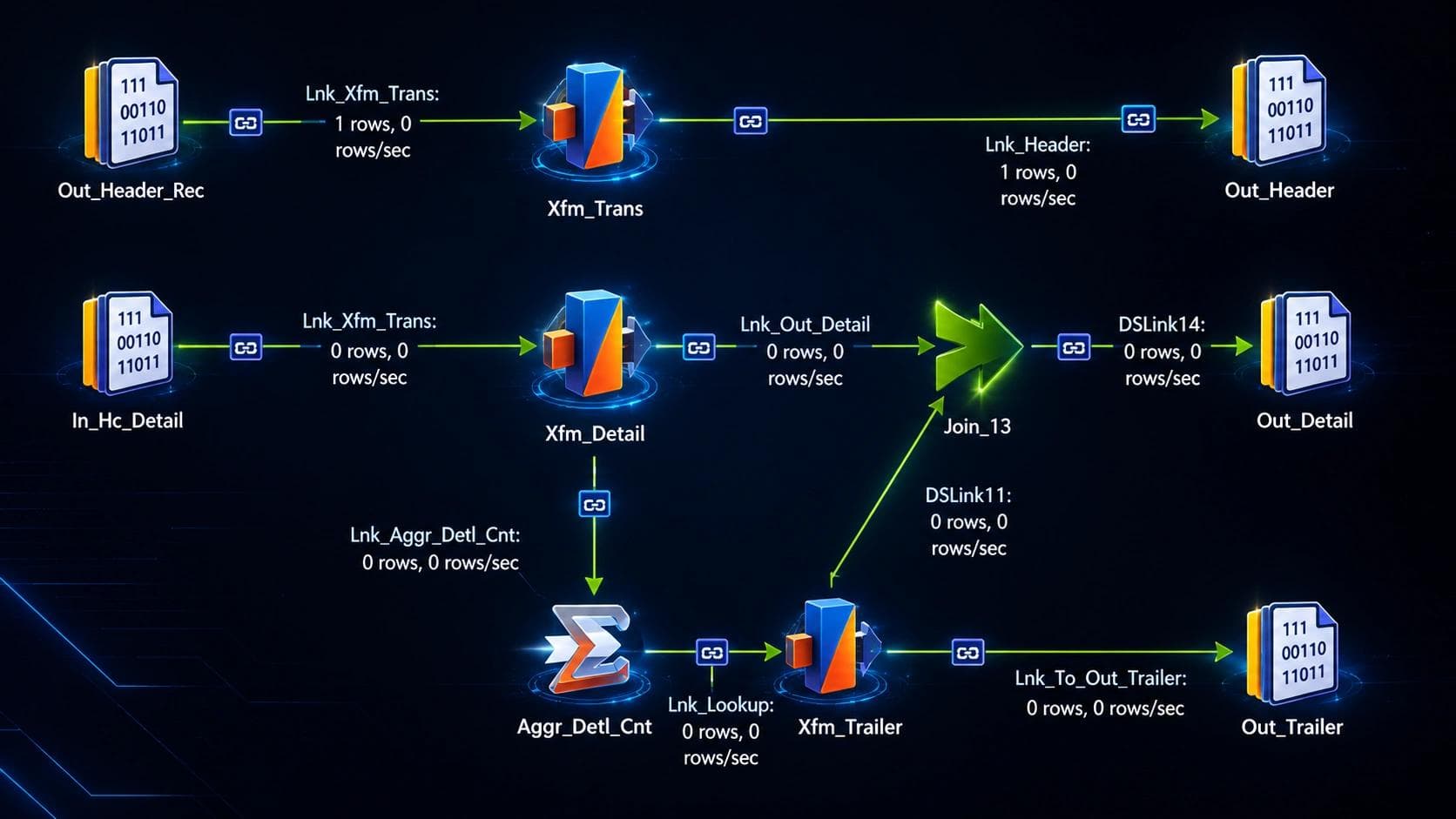
Now imagine if you had even more connectors, hash files and transformers – which is actually quite a common situation. Reverse engineering, specifying and developing new jobs would quickly become a real nightmare. Trust me, I've been there.
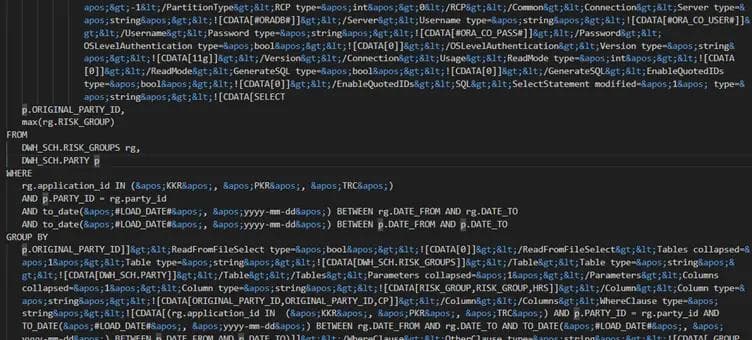
Luckily, there is solution. Using EPIC Ingenioso you can automatically transform any DataStage job to the excel format just like the one from our story. You just export the job to XML format. This is the part of exported XML file:
Select file, click.
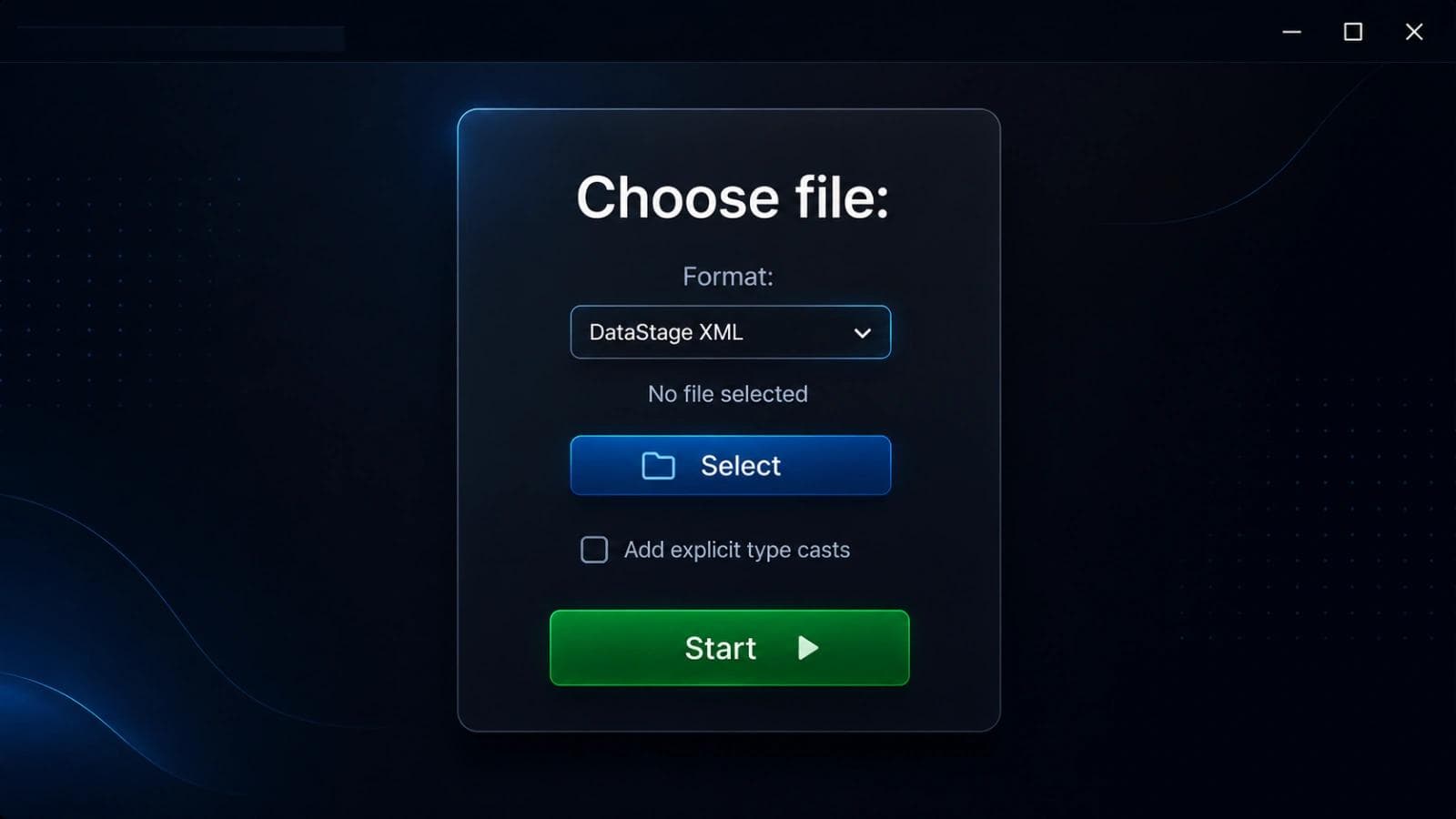
And there you go! The whole previously shown ordeal is now replaced with a couple of clicks. Neat.
Select section of the output file.

From section of the output file.

OK, but now we have an Excel. Nice for documenting and specifying, but don't forget what we actually want. We want our ETL routine in target ETL technology of our choice!
Don't worry, we can easily turn such a self-documenting input to a number of target technologies, like Snowflake, BigQuery or Oracle Data Integrator. In our next posts, we will show you how to do exactly that.
Frequently asked questions
Answers to the most frequently asked questions.
Many organizations are replacing legacy ETL platforms such as Oracle Data Integrator (ODI) and IBM DataStage with dbt to modernize their data architecture. dbt enables SQL-based transformations, version control, automated testing, CI/CD integration, and better collaboration for cloud data platforms like Snowflake, Microsoft Fabric, BigQuery, Databricks, and Amazon Redshift.
Yes. Many ETL components, including mappings, transformations, workflows, and business logic, can be converted automatically using migration automation tools such as EPIC Ingenioso. Automation significantly reduces manual development effort, accelerates migration projects, and minimizes the risk of human error while preserving existing business logic.
The most common challenges include complex transformation logic, proprietary ETL components, reusable objects, metadata dependencies, scheduling workflows, and undocumented business rules. A successful migration requires both automated conversion and expert validation to ensure functional equivalence and optimal performance on the target platform.
The actual savings depend on the size and complexity of the existing environment. However, automated migration can reduce development effort by converting a significant portion of existing ETL assets, allowing teams to focus on validation, optimization, and modernization instead of rebuilding every process from scratch.
EPIC Ingenioso is designed to accelerate large-scale ETL modernization by automatically converting legacy ETL assets into modern technologies such as dbt. It helps organizations reduce migration time, lower project costs, preserve valuable business logic, and modernize data integration with significantly less manual effort and project risk.
Tags